Real editing
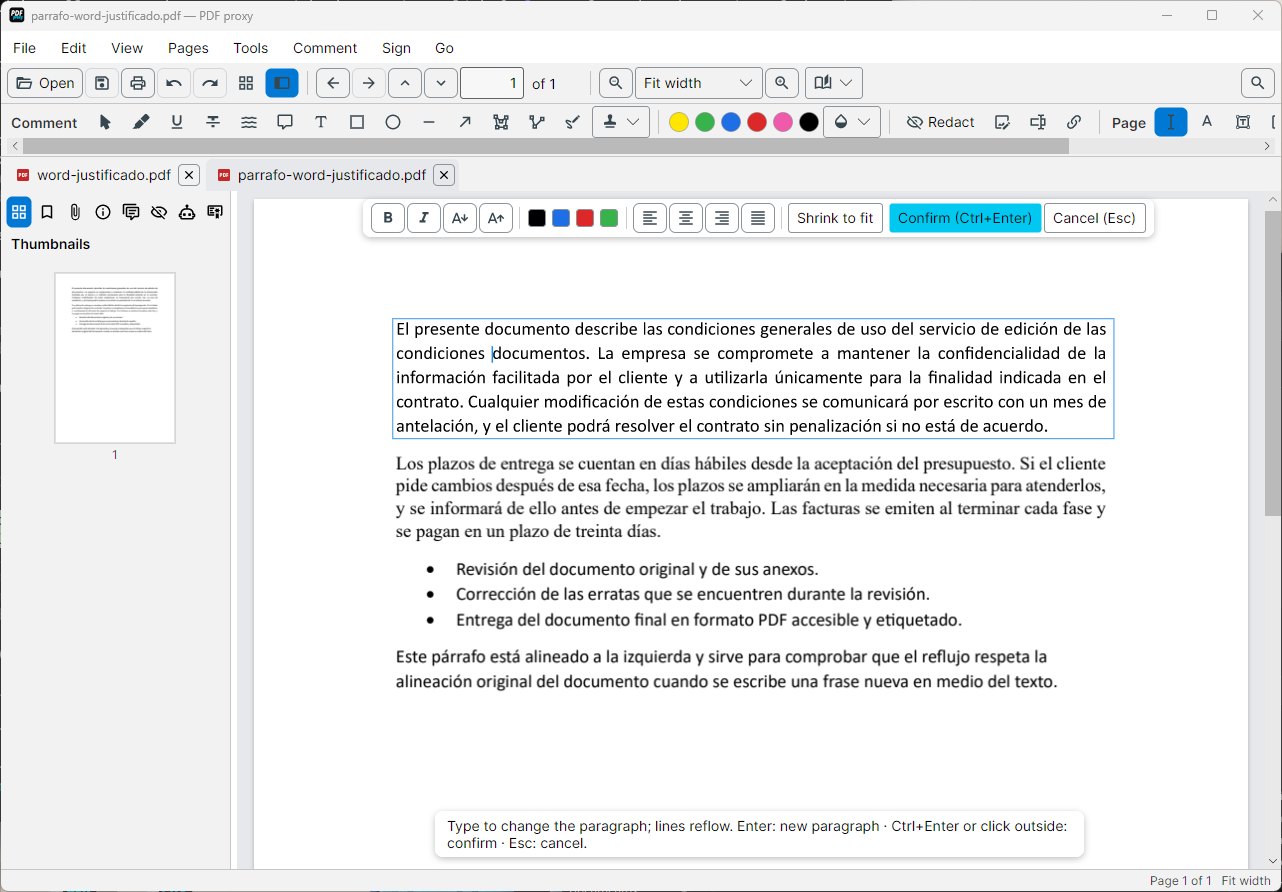
Change the text of paragraphs and they reflow like in a word processor, with the document's own font. Images, links and bookmarks too.
PDF proxy is a complete PDF editor for Windows that works entirely on your computer: it edits the real text, fills in and creates forms, signs with your certificate and removes personal data before you share a document or use an AI. Its AI runs on your PC too, so no document is ever uploaded to a server.
Contracts, invoices, payslips, medical reports: they all carry names, ID numbers, accounts or addresses. Online PDF tools ask you to upload them, and AI assistants too. A black box drawn on top does not remove anything: the text is still there and can be copied.
PDF proxy does the whole job on your computer, deletes the data from the page for real and, if you want to use an AI in the cloud, gives it the document with tags instead of the real data.
Change the text of paragraphs and they reflow like in a word processor, with the document's own font. Images, links and bookmarks too.
Advanced electronic signature (PAdES) with your digital certificate, and a check of the signatures you receive.
IDs, names, emails or IBANs are found, you review them and they are deleted from the page, not hidden under a black box.
Pseudonymise the document with tags like [PERSON_1] before uploading it, and get the real names back in the answer.
Ask the document, summarise it or extract an invoice to Excel, without sending it to any server.
Every redaction is recorded without personal data, to show what was done with each document.
And also: organise, merge, split, compress and protect, annotations and comments, forms, watermarks and page numbers, OCR for scans, export to Word or Excel, PDF/A and comparing versions. See every feature →
«Mary Smith, ID 12345678Z, mary.smith@company.com»
«[PERSON_1], ID [ID_1], [EMAIL_1]»
The AI answers: «[PERSON_1] signs on the 15th»↓You read: «Mary Smith signs on the 15th»